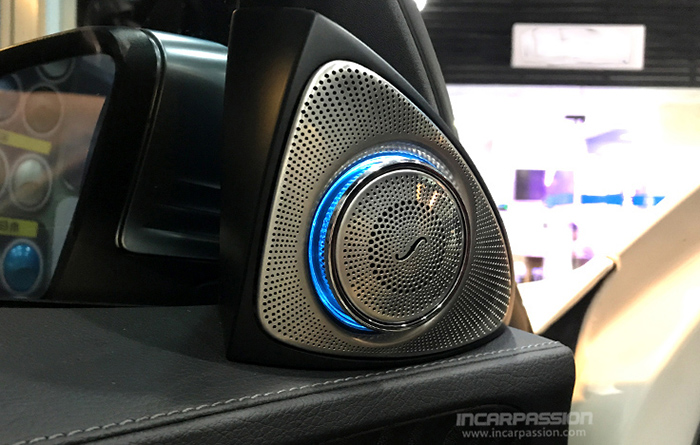

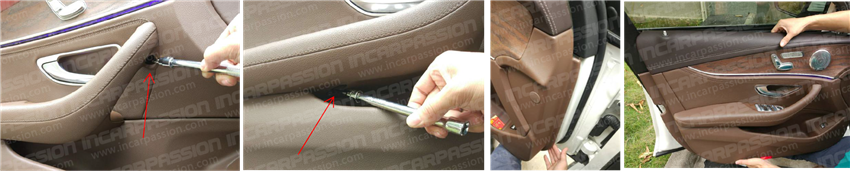
This installation instructions will show you how to add Burmester design 3D rotating tweeters for your car, the picture is taken from a E Class W213, the installation progress is same for C Class W205, GLC X253 and S Class W222
Product Link: Burmester design 3D rotating tweeters and speakers for Mercedes benz C GLC E S Class
Door panel remove
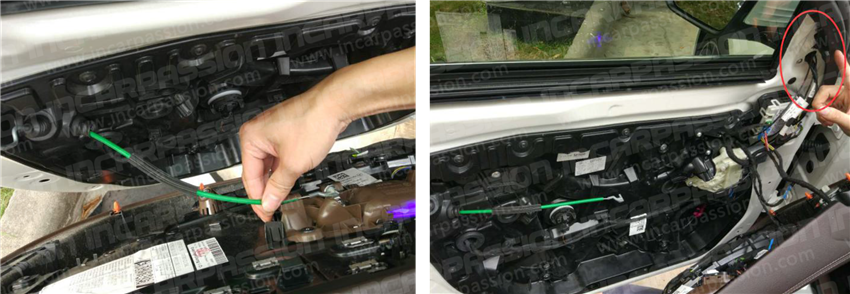
1, check below picture pic 1 & 2, find the 2 screws in the door panel and loose it
2, lever up the door panel from inner side of the door and take out the door panel
3, Disconnect the cable between the door panel and door
4, Remove the original speaker frame in the A pillar
Cable connection
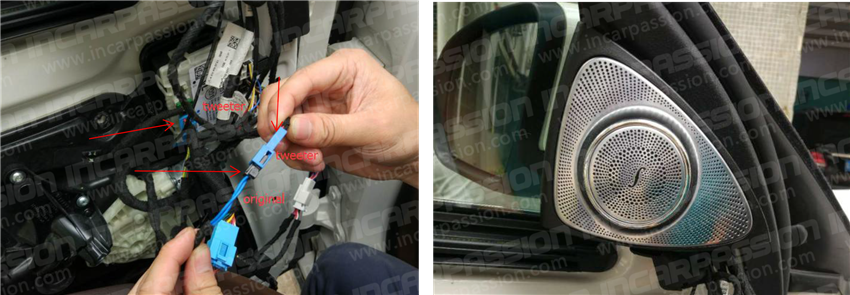
1, find original # 6 socket (pic 1), take out the original male socket, plug it to the tweeter female socket(pic 2), plug the tweeter male socket to original female socket
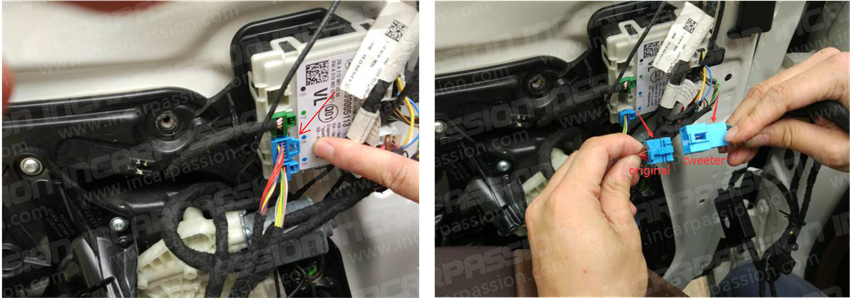
2, Connect another original male socket to the tweeter female socket, then put the tweeter to original position, recover everything, installation finished.