


This installation instructions will show you how to install Mercedes Benz GLE W166 Bowers & Wilkins design tweeter with ambient light, the tweeter can be 3 colors or 12 colors, depends on how many colors of the ambient light kit.
Product link: Mercedes GLE W166 B&O Design Diamond Tweeter with 3 Colors & 12 Colors Ambient Light
1, Remove original tweeter cover
2, Remove the platen of window
3, Remove the door panel buckle

4, Pry out small cover of door handle
5, Remove the screws
6, Take out the door panels
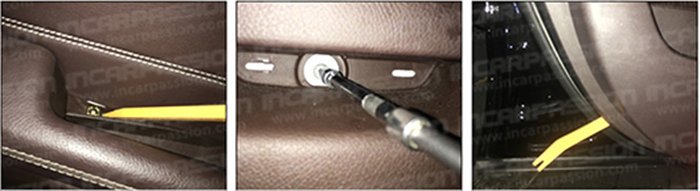
7, Remove handle steel wire
8, Pull out the door panel harness
9, Convert the power cable harness

10, Convert the speaker harness
11, Connect the ambient light harness
12, Fasten the control box
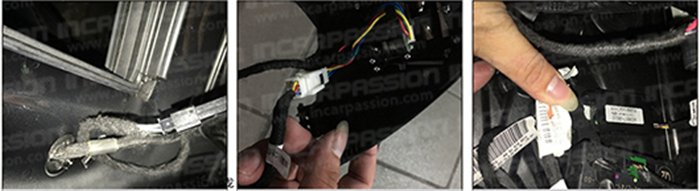
13, Fasten the control box and restore everything
14, After install
