
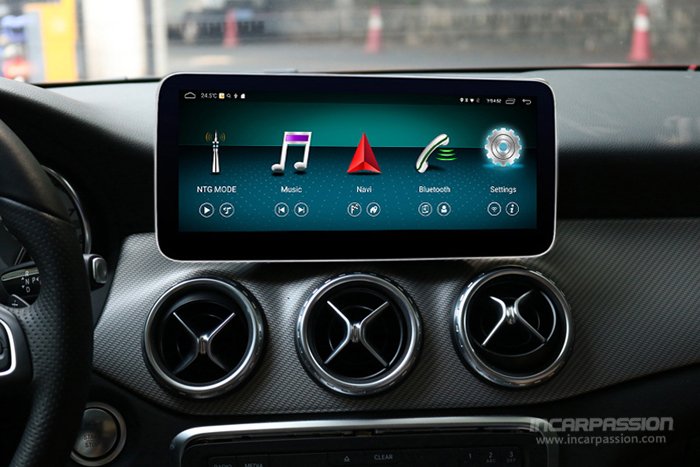

This installation instructions will show you how to install our Android navigation for Mercedes A W176 GLA X156 CLA, upgrade the original small screen to 10.25” big touch screen
Product link: 10.25” Round Corner MBUX UI Android 8.1 GPS Navigation for Mercedes A GLA CLA

1, Original screen

2, Remove the 2 screws fixing the original screen, take out the original screen

3, Take out original screen bracket

4, Pry out the air vent

5, Pry out the air vent

6, Remove screws inside the vent

7, Pry out air conditioner panel

8, Pry out air conditioner panel

9, Remove the fixing screws for original head unit

10, Remove the fixing screws for original head unit

11, Pull out the socket behind original headunit

12, Pull out the cable of headunit

13, Convert our hardness to original headunit

14, Convert to original screen socket

15, Install back original bracket

16, Install our screen, finished
