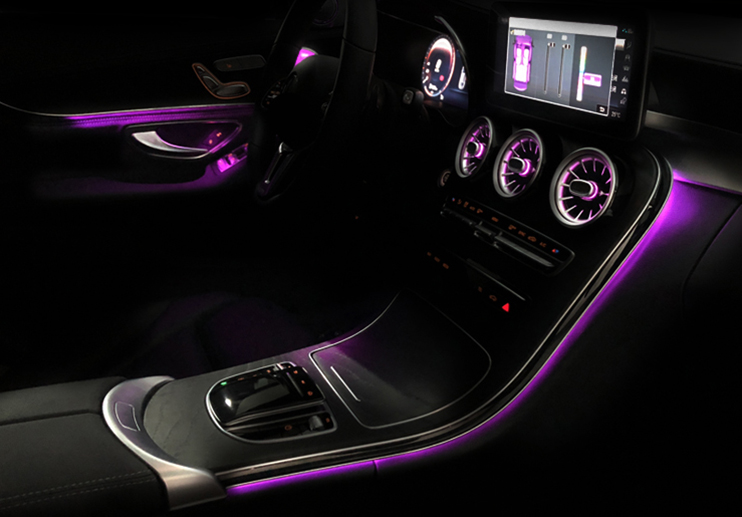

For Mercedes C Class W205 2014-2018 & Mercedes GLC X253 2015-2019 comes with original 3 colors ambient light, we can upgrade it to 12 colors or 64 colors by just changing the hardness, no need coding, no need change the original LED tube. This instructions will show you how to install the 12 colors / 64 colors ambient light for C Class W205 and GLC X253. (Hardware for 12 colors and 64 colors ambient light is same, just software is different)
Product Link: 3 Colors & 64 Colors Ambient light for Mercedes Benz C Class W205 GLC 2014-2018
- Loose the screws, remove door panel
- Pull out original hardness with led beam, replace it with our hardness
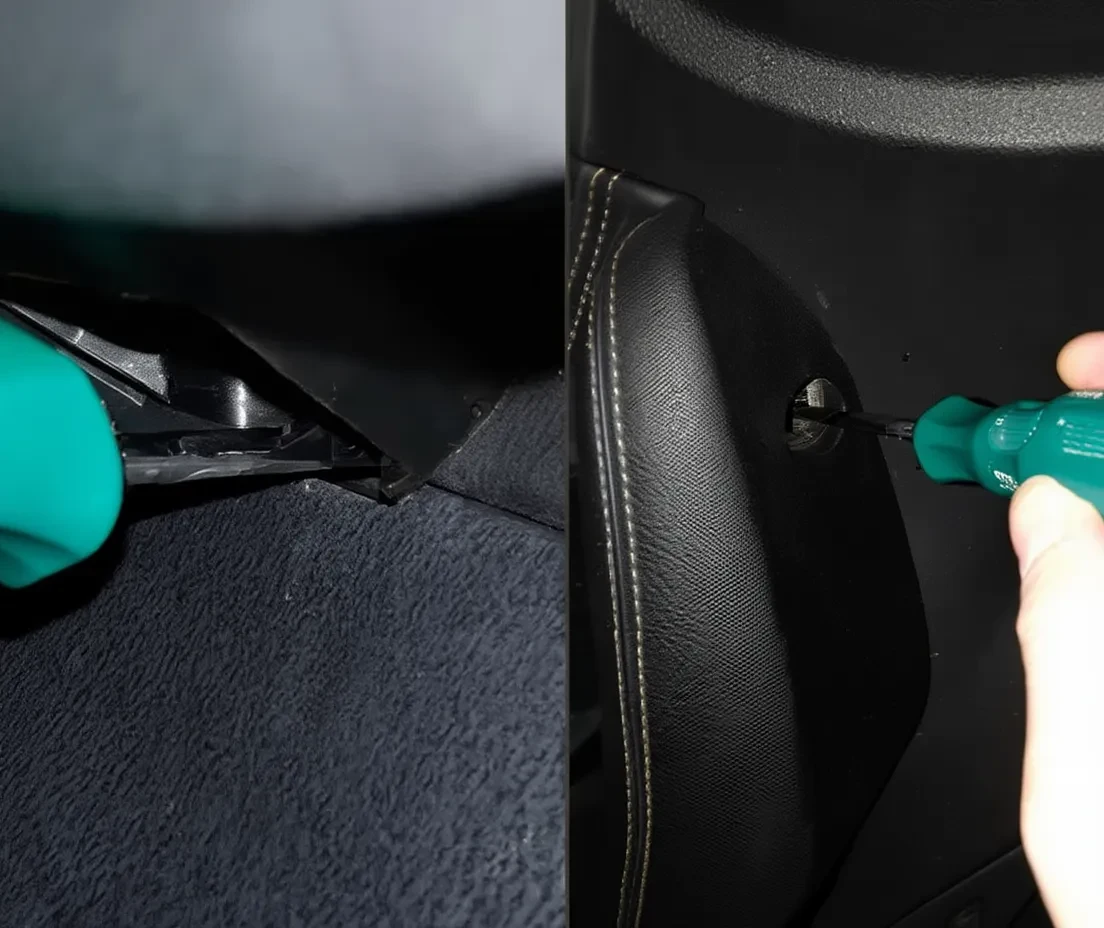
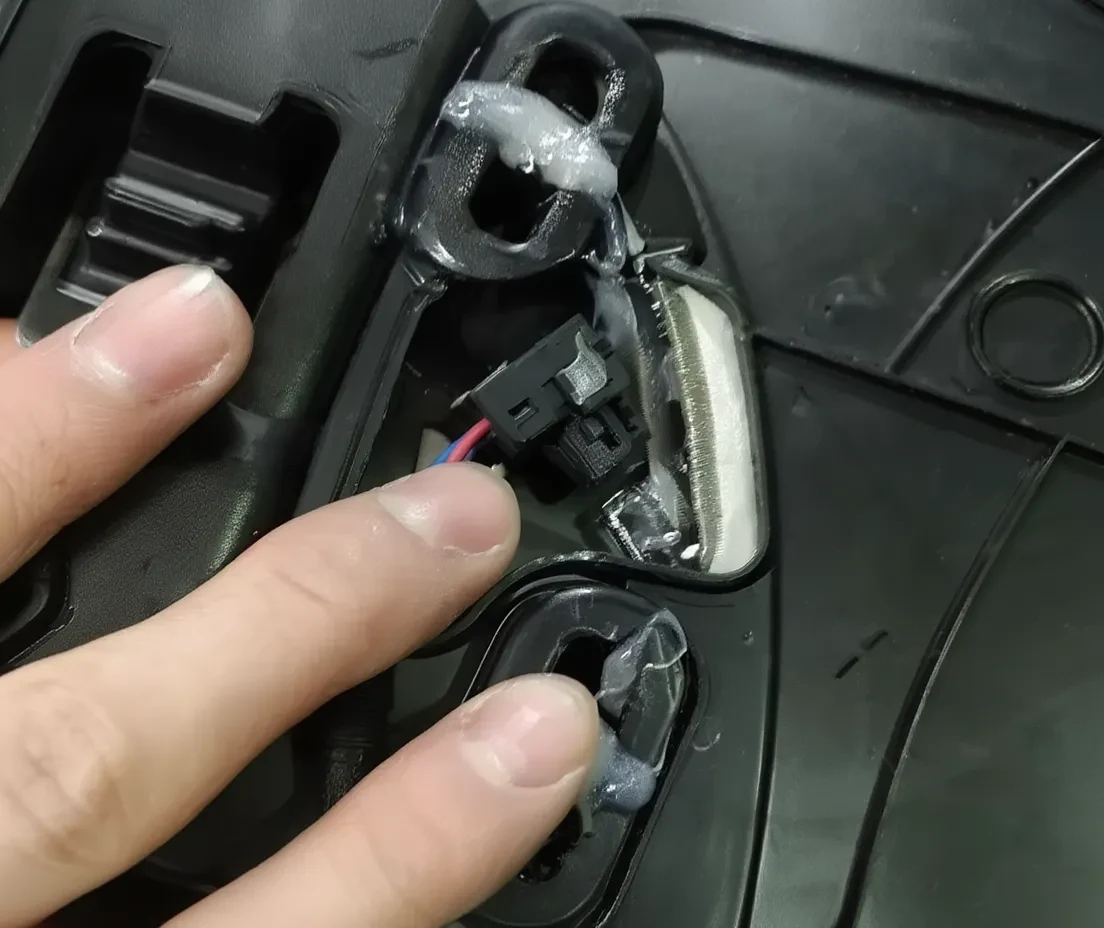
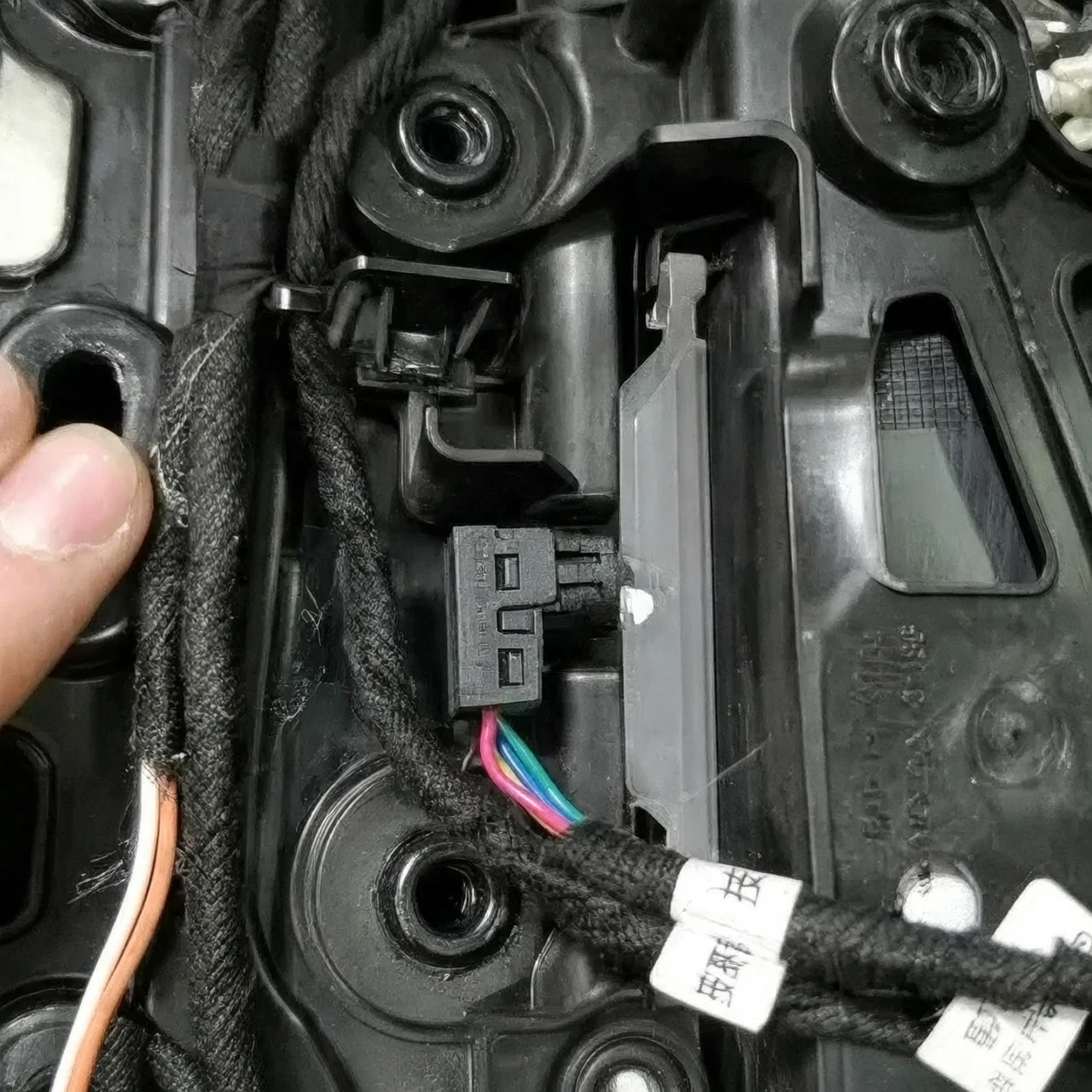
3. Find the white socket with CAN cable on door panel, plug our CAN hardness to the door panel socket.
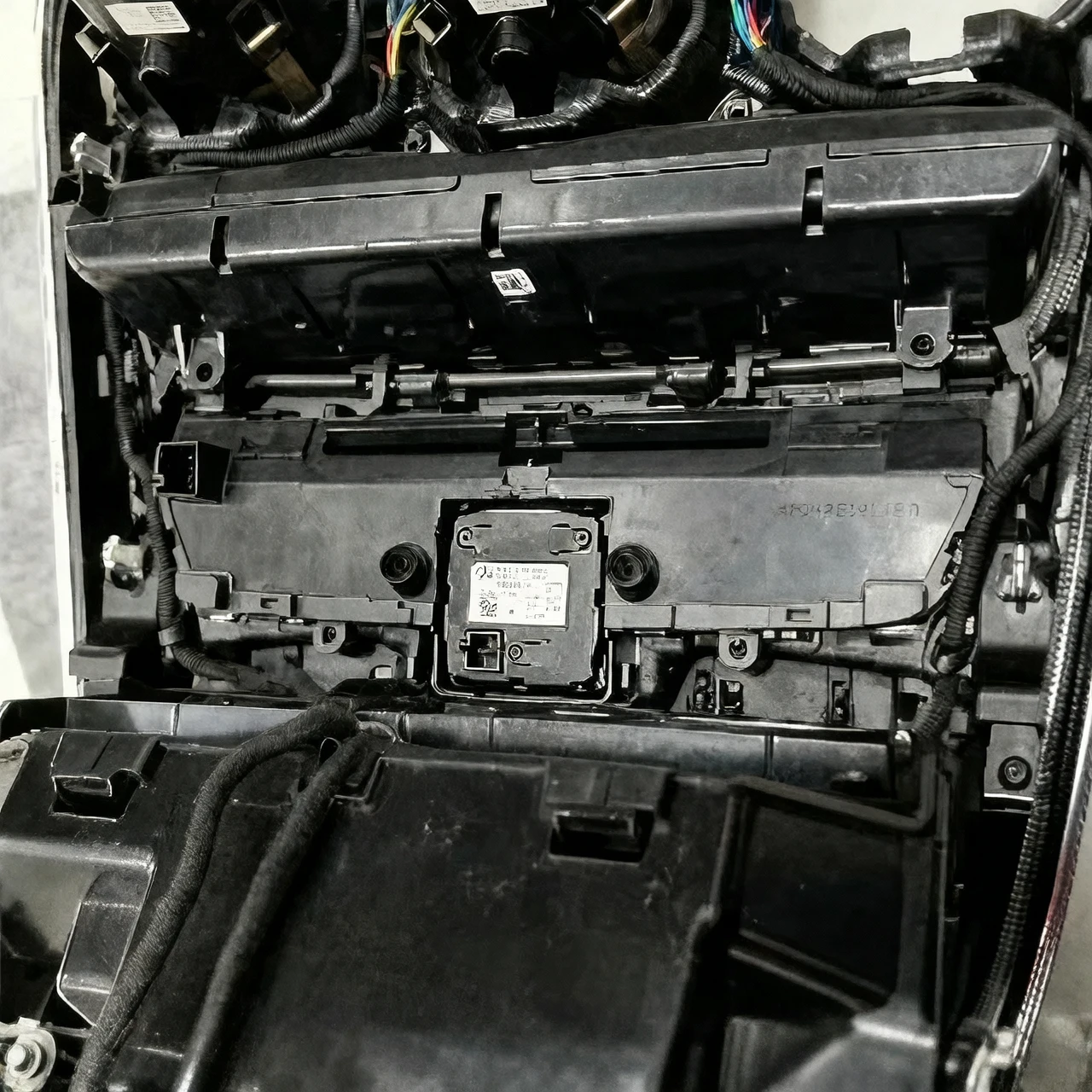
4. Remove A/C panel on center console, Pull out original hardness with led beam, replace it with our hardness
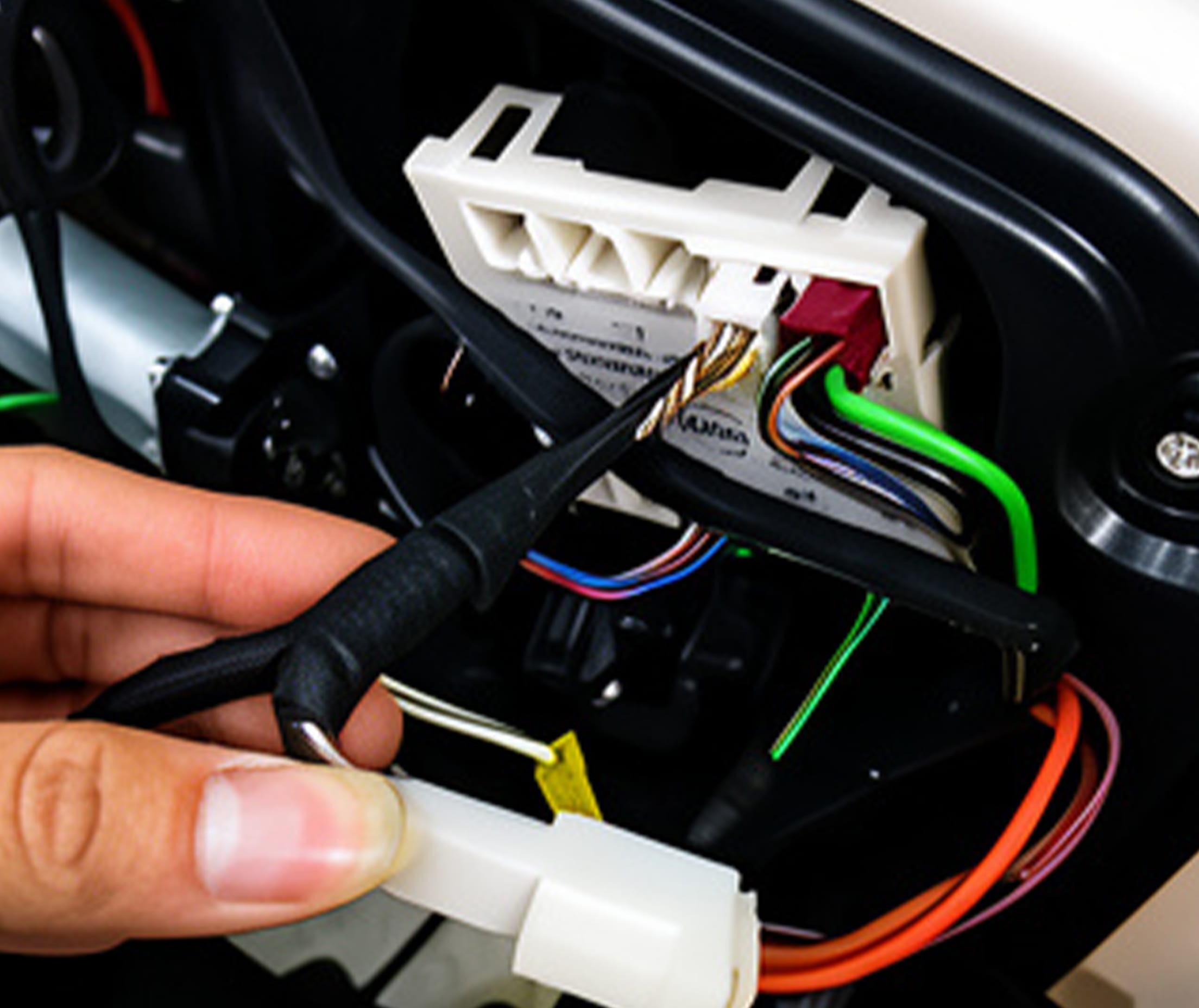
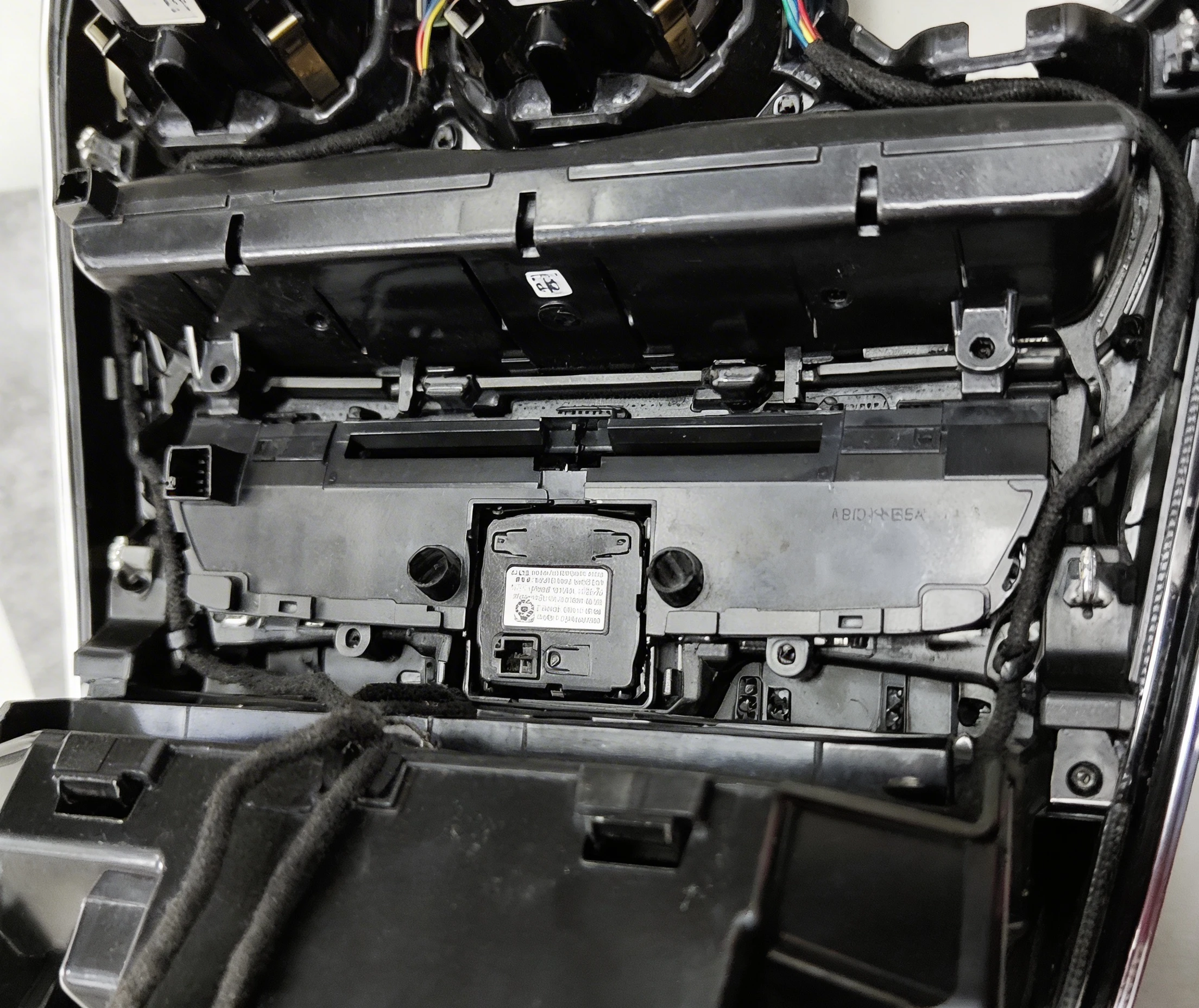
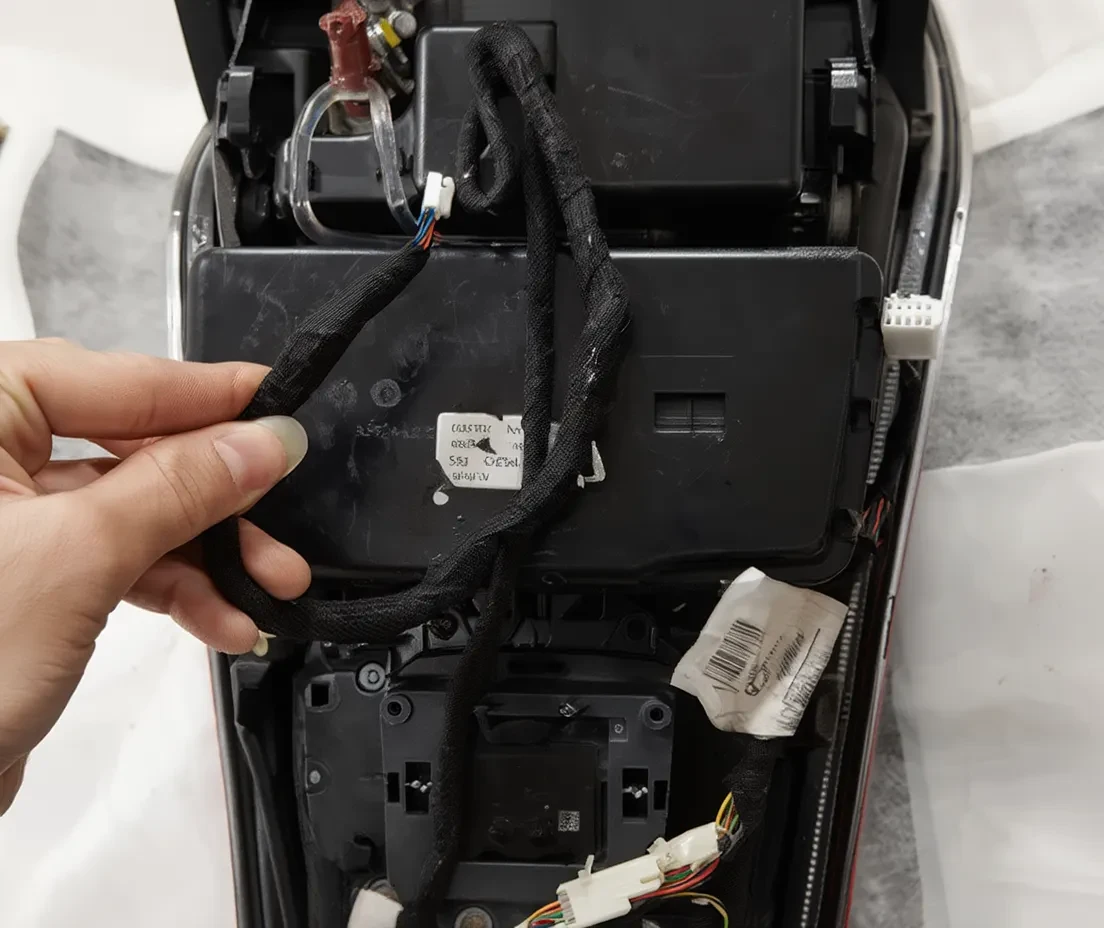
6. Make sure the CAN box control box is connected well
7. On passenger seat under carpet, find the CAN socket (there’s black connector with brown cable), connect the CAN cable to any empty position of it
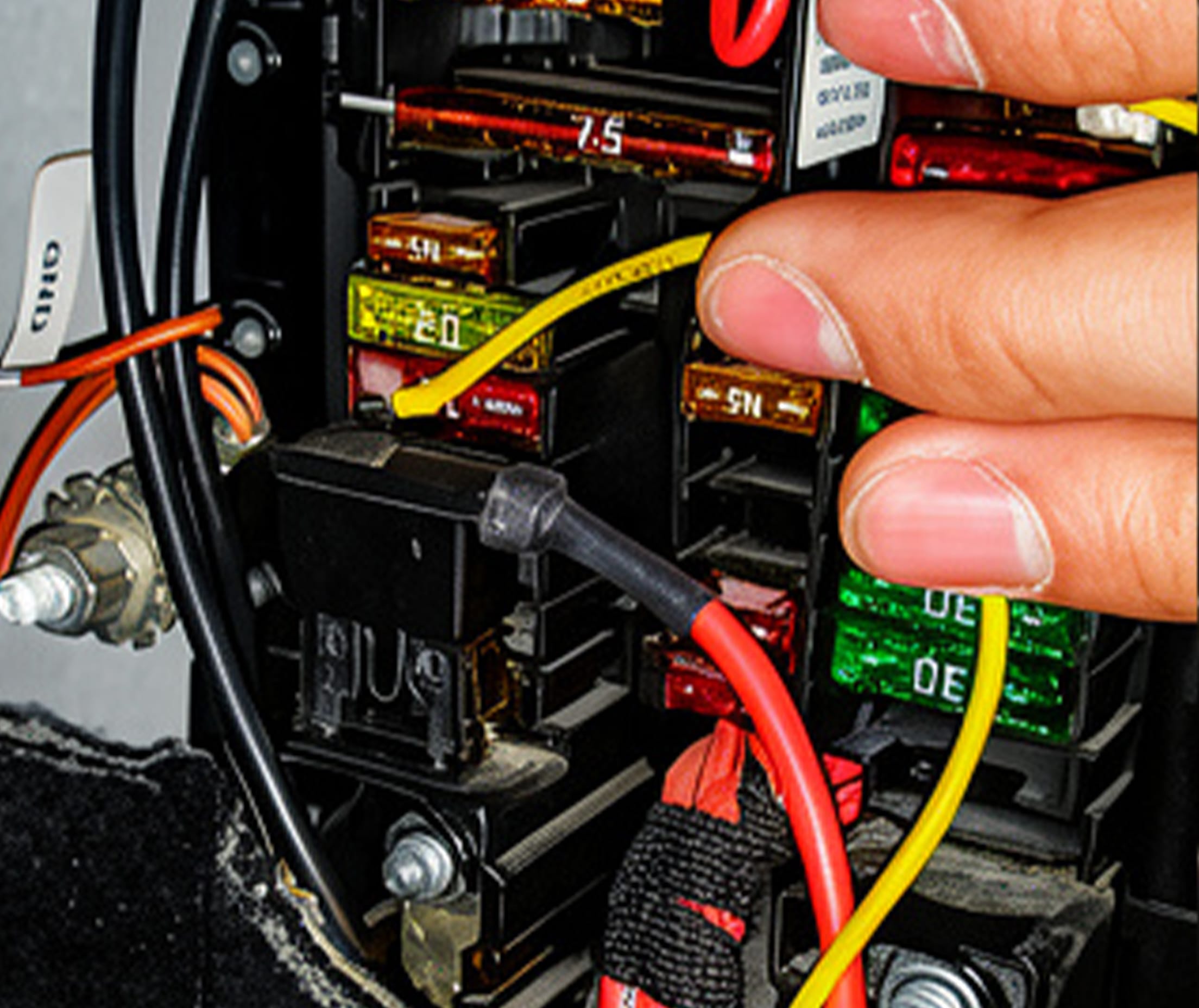
8. Connect the power cable and GND to the fuse box on passenger side